










Outages and breaches in recent weeks across supermarket chains, online retailers, and communication services have shone a light on two things worth having in place before a crisis: a fallback way to keep communicating, and a fast way to shut off access when an account is compromised.
When employees lose their main way of hearing from and communicating with the rest of the organisation, the gap can quickly be filled with messages claiming to be from IT, but instead are opportunistic threat-actors looking for a way in. For a deskless frontline worker, a message saying "service is restored, please sign in again to confirm your account" is far more believable when nobody from within the organisation is available to confirm it.
When you depend on one provider for email, chat, identity and the helpdesk, one failure can stop employees communicating, stop IT warning them and stop them reporting a problem.
What you can control is how prepared you are before an event like this hits: how quickly you can contain a compromised account, and how employees can verify what's genuine.
In this post
- Agree a fallback channel
- Set up a reporting route
- Warn employees early
- Close access fast and keep exceptions tight
- Reset your monitoring baseline
Agree a fallback channel
Employees can only spot a fake if they know where the real thing comes from, so decide in advance which channel carries official messages during an outage and make sure it doesn't run on the platform most likely to fail. For frontline teams, use more than one channel: SMS to registered mobiles, a notice at each site, a briefing at shift start and a second collaboration channel owned by IT. SMS senders can be faked, so use it to point employees to a channel they can verify.
Where you can, pick a channel that ties membership to your HR record, so you can be sure that the right employees are alerted. While no channel is immune, what's valuable is having an agreement in place and communicated before you need it.
Set up a reporting route
If your inbox for reporting suspicious emails, helpdesk and security chat channel all sit on the same platform, they go down together and employees have nowhere to report unusual activity. Set up a fallback that works independently: a phone number, an SMS short code or a form hosted elsewhere.
At frontline sites the duty manager is a good first point of contact, provided they know who to call and can log what they hear. Like a fallback comms channel, it's important to do a dry run of your reporting route on a regular day, rather than waiting until a real event is in play.
Warn employees early
In frontline environments, generic phishing reminders may get ignored, as employees are busy on shift and often use personal phones. An outage makes the likely scams easy to predict, so tell your employees what to look out for:
- Messages saying service is restored and asking employees to re-verify their login
- Password reset links nobody requested
- "IT" asking employees to install a workaround
- Calls to personal phones from someone claiming to be the service desk
Send the warning through your fallback channel in the first hour, and say plainly what IT will and won't ask for during an outage. For example, IT will never ask for a password or MFA code, and will only share links to sites employees already know.
Close access fast and keep exceptions tight
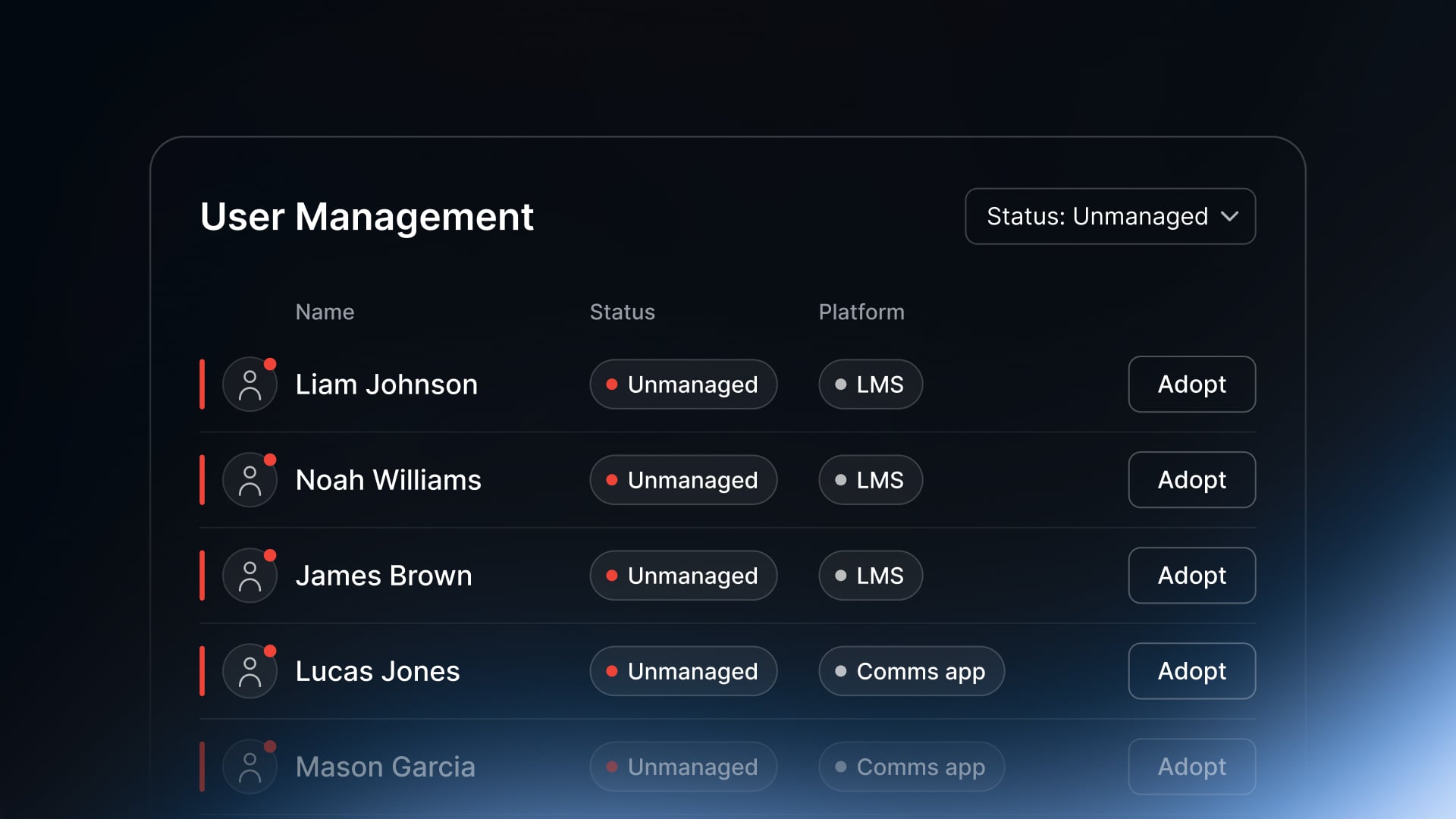
If an account is compromised during an outage, you need to close its access across every platform immediately, with a log of the access it had. That means being able to suspend a user or a whole site across all connected apps in one action, with an audit trail of every sign-in, change and admin action. This applies to both your employees based in corporate head office and deskless frontline employees.
Outages push teams to loosen the rules, and every shortcut is one an attacker can copy. Give the service desk a script for checking who is asking, keep emergency account details outside the affected systems, and log and close every exception once services return.
Monitoring during recovery
Having thousands of people signback in at once can make unusual activity harder to spot. Alongside your usual alerts, decide in advance what else to watch for:
- Reset and recovery requests: Expect a surge, so make sure each one is still verified properly, and log any approved without the usual checks.
- Orphaned accounts signing in: Frontline turnover leaves old accounts open. Watch for any that have been quiet for weeks suddenly signing in.
- Exceptions: Keep a list of everything approved during the outage, each with an owner and an end date.
- Gaps in your logs: Check your logs kept recording during the outage, and review any gaps once services are back.
Test your fallbacks before you need them
Check whether any of your fallbacks depend on the same provider they are meant to back up. Fallbacks only help if they are in place before the event, so test them now.
Connect Frontline gives frontline employees their own verified identity, managed in one place alongside your corporate office employees. You can see who has access to what, and suspend a user or a whole site across all connected apps in one action. For the fallback channel, Connect Frontline also includes built-in Chat and Calling: secure, encrypted messaging and voice calls for every worker, with access synced to your HR data.